Make your Mac feel like yours.
A native macOS utility that supercharges Finder, the keyboard, and the mouse.
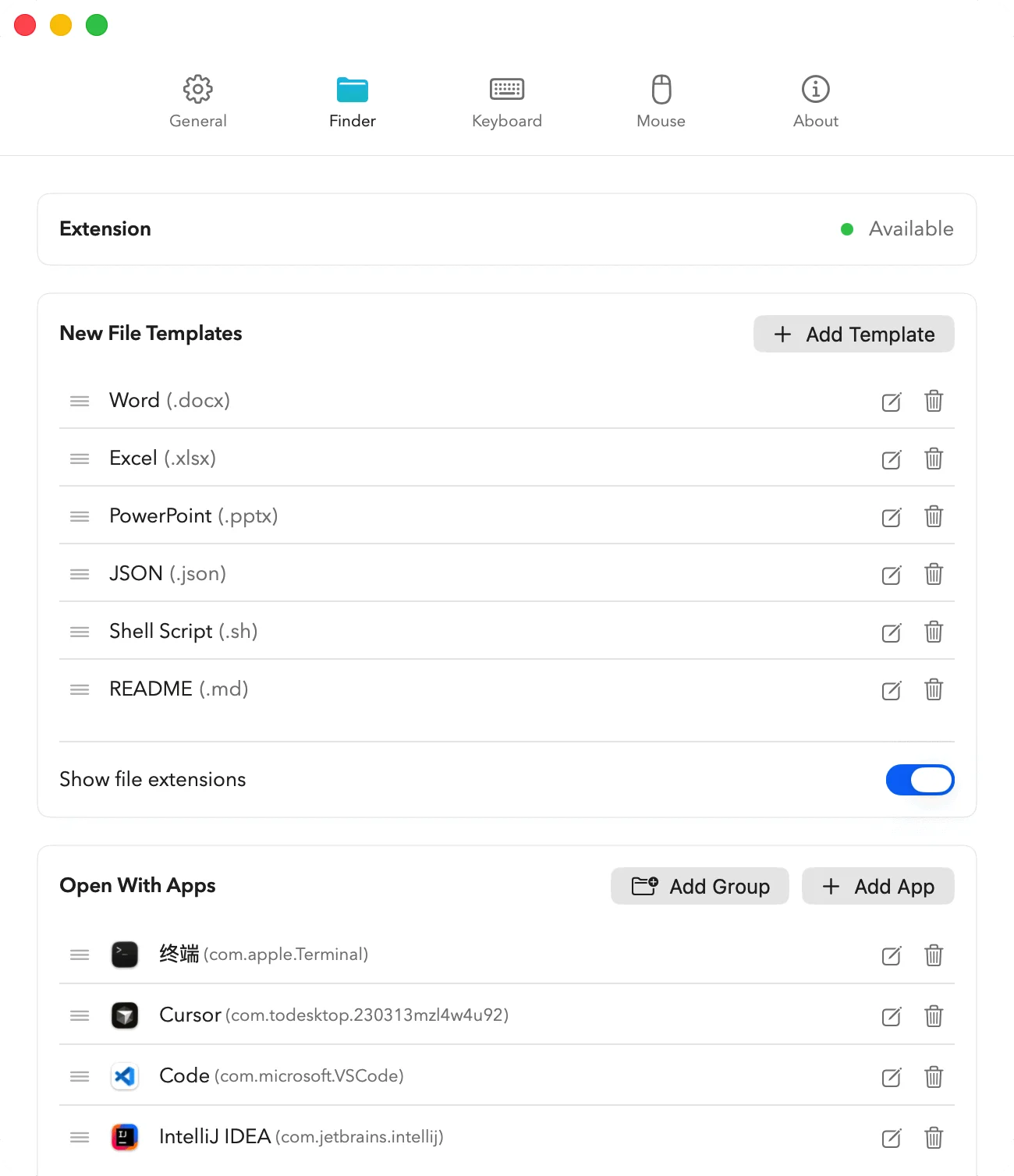
FINDER
Finder, supercharged.
Right-click to create new files from your favorite templates. Open any file or folder in your tools of choice — Cursor, VS Code, Terminal — without leaving Finder.
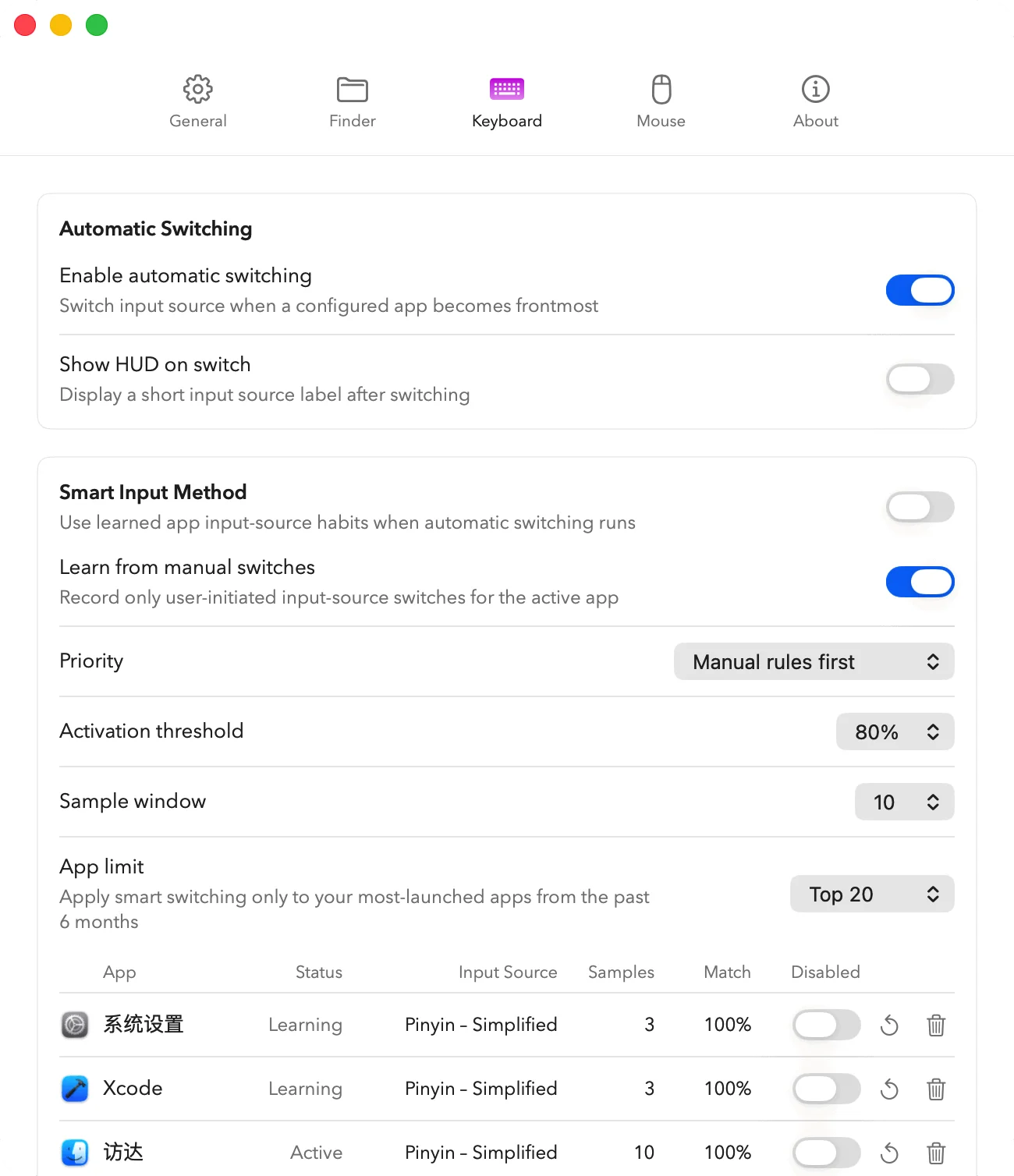
KEYBOARD · INPUT METHOD
Right input source. Every app. Automatic.
MacMater watches the frontmost app and switches your input source automatically. It learns from how you actually use each app — no manual rules required.
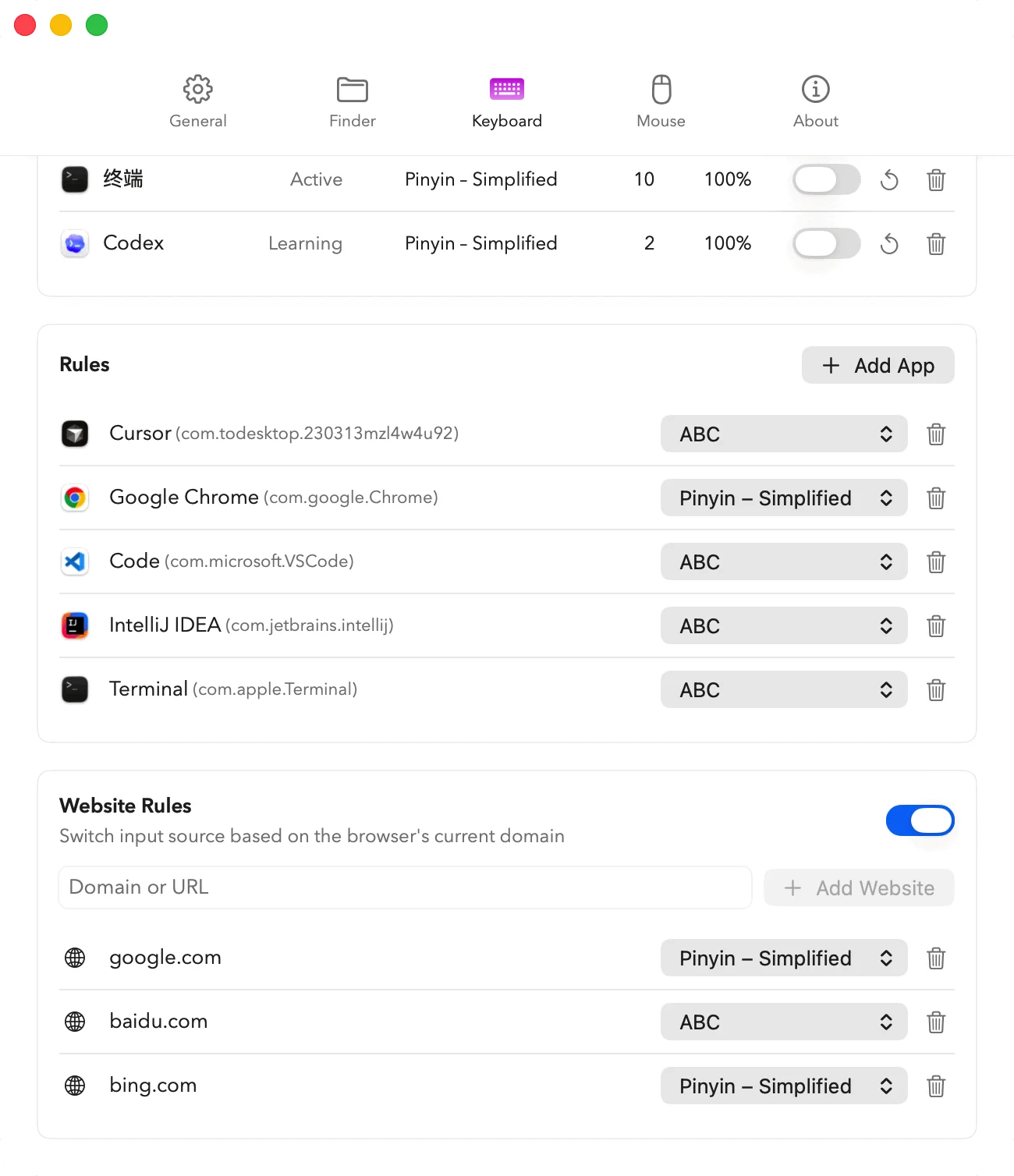
KEYBOARD · RULES
Granular rules, when you want them.
Pin specific input sources to specific apps, or even to specific websites — switch to ABC on github.com, Pinyin on baidu.com, automatically.
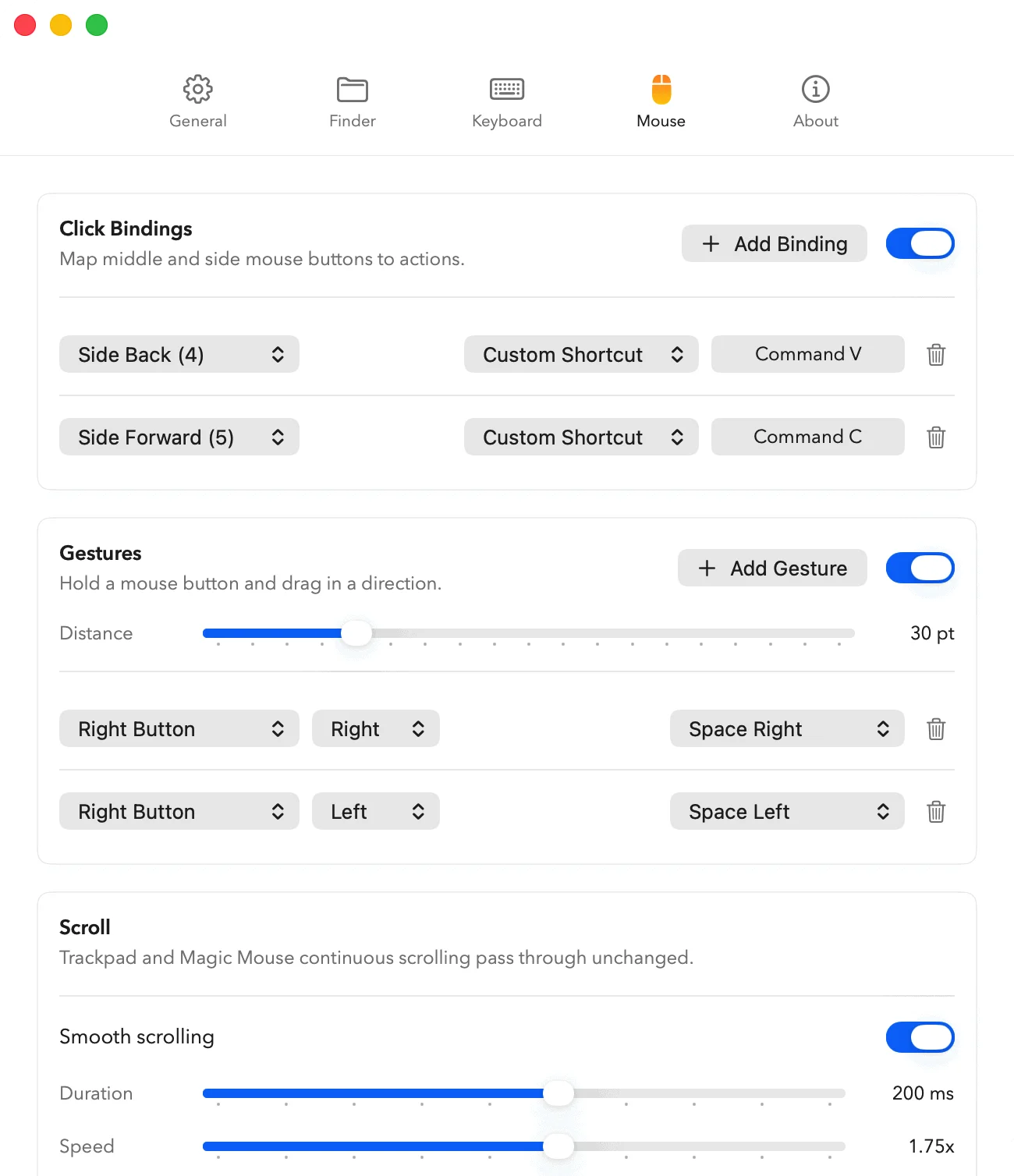
MOUSE
Your mouse, redesigned.
Bind side buttons to any shortcut. Create gestures by holding a button and dragging in a direction. Smooth out wheel scrolling — the way macOS should have done it.